 Literess
Open sign-up, plans with credits, and one screen at a time
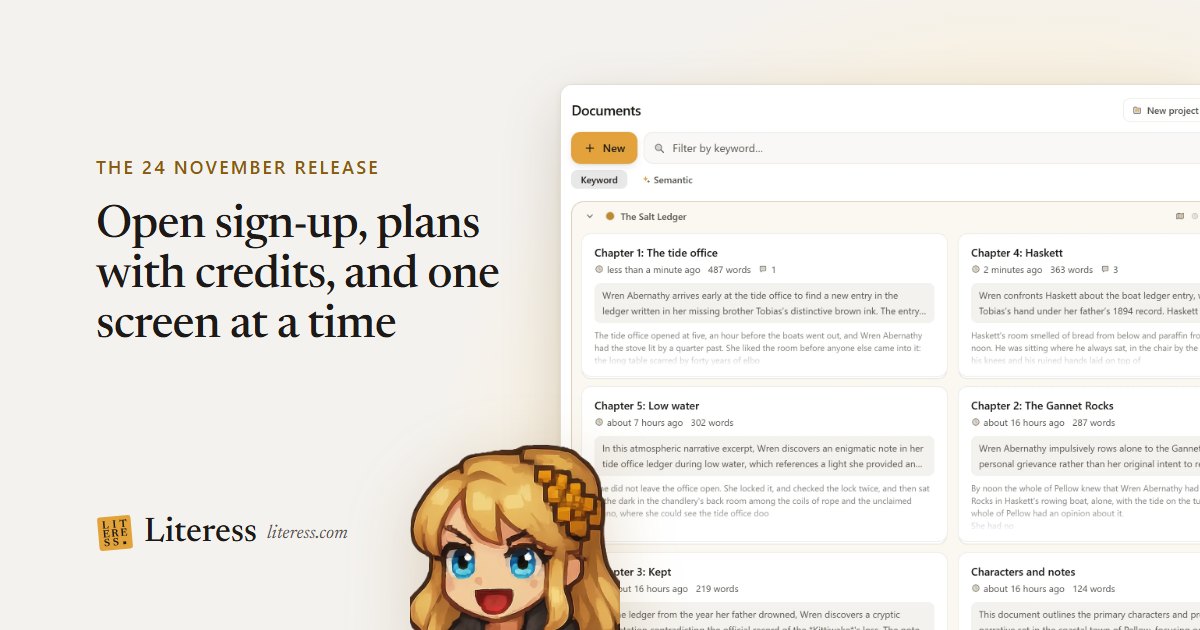
This entry covers what changed between 21 and 24 November. The biggest news is for people who haven’t tried Literess yet: there is no invite to ask for any more, and the first 10,000 credits each month are free.
For everyone already writing with her, the app is calmer to move around in: one screen at a time, her chat always on the left, and the panels on a rail at the right.
Added
- Open sign-up. One card does both: continue with Google, or type an email and a password. A new address gets a six-digit code by email. Opened Literess from Instagram or another app? The card says so and puts email first.
- Plans and credits. Free, Hobbyist, Writer and Novelist. Every plan has everything Literess does; they differ in credits. Free gives 10,000 credits a month. Her replies and her overnight dreams use credits; check-ins, summaries, search, import and export never do. Each reply’s price shows under the message box before you send. Prices are in euros or US dollars. See pricing.
- Settings → Billing shows your plan, what’s left, when it refills and where your credits went over the last 30 days, with Change plan and Top up.
- Import files into the Library: Word, EPUB, OpenDocument, Markdown, plain text and web pages, several at a time. Headings, lists, quotes, tables, pictures and footnotes come in as Literess’s own. An EPUB becomes one document with its chapters in order.
- Standard and Pro. In the chat you choose how she reads: Standard for most of your writing, Pro for harder reading.
- A Start card and Setup. Your first visit offers a short sample chapter to ask her about, and Setup on the rail ticks off the first things worth doing.
- Document threads. Literess knows when a document was discussed in other chats and can read what was decided there. Each chat shows which documents it covered.
- Voice messages you can check. The recorder shows your voice as you speak, waits for you to listen back before sending, and plays inside your own bubble with the transcript underneath.
Changed
- One screen at a time: the Library, the editor, the memory room, a story map or a table. Documents open as tabs in the editor, and the editor keeps them while another screen shows.
- Her chat stays on the left and panels open from a rail on the right. Drag the edges to resize all three. Each screen remembers which panel you had open.
- Settings is a screen of its own, one section at a time: Account, Billing, Appearance, Literess, Writing, Models and People.
- She checks in less, and at better moments. She waits until you pause typing, speaks up only for things that need her now, keeps the rest for when you next write to her, and steps back after several notes go unanswered.
- A document open in two tabs, or on your phone and computer, stays in step without a reload, and an older copy can’t save over newer work.
- Literess has her own icons, and the cookie notice is her, caught with a cookie.
- Documents no longer have instructions or a target word count of their own. Use a todo, a goal in the chat, or ask her to remember it.
Fixed
- Comment and suggestion cards in the margin stay beside their text as you scroll.
- Typing in a book-length document is much faster: a 100,000-word manuscript answers each keystroke nearly as quickly as a short one.
- When Gemini is busy, she tries again and moves to another route before giving up, so you see the answer, not the hiccup.
- Restoring a version, or Accept all, no longer leaves suggestions behind that the text doesn’t show.